
What to Check
Confirm the precise module and work area
Budget for fume extraction and safety gear
Check current bundle contents and upkeep costs
Product Review
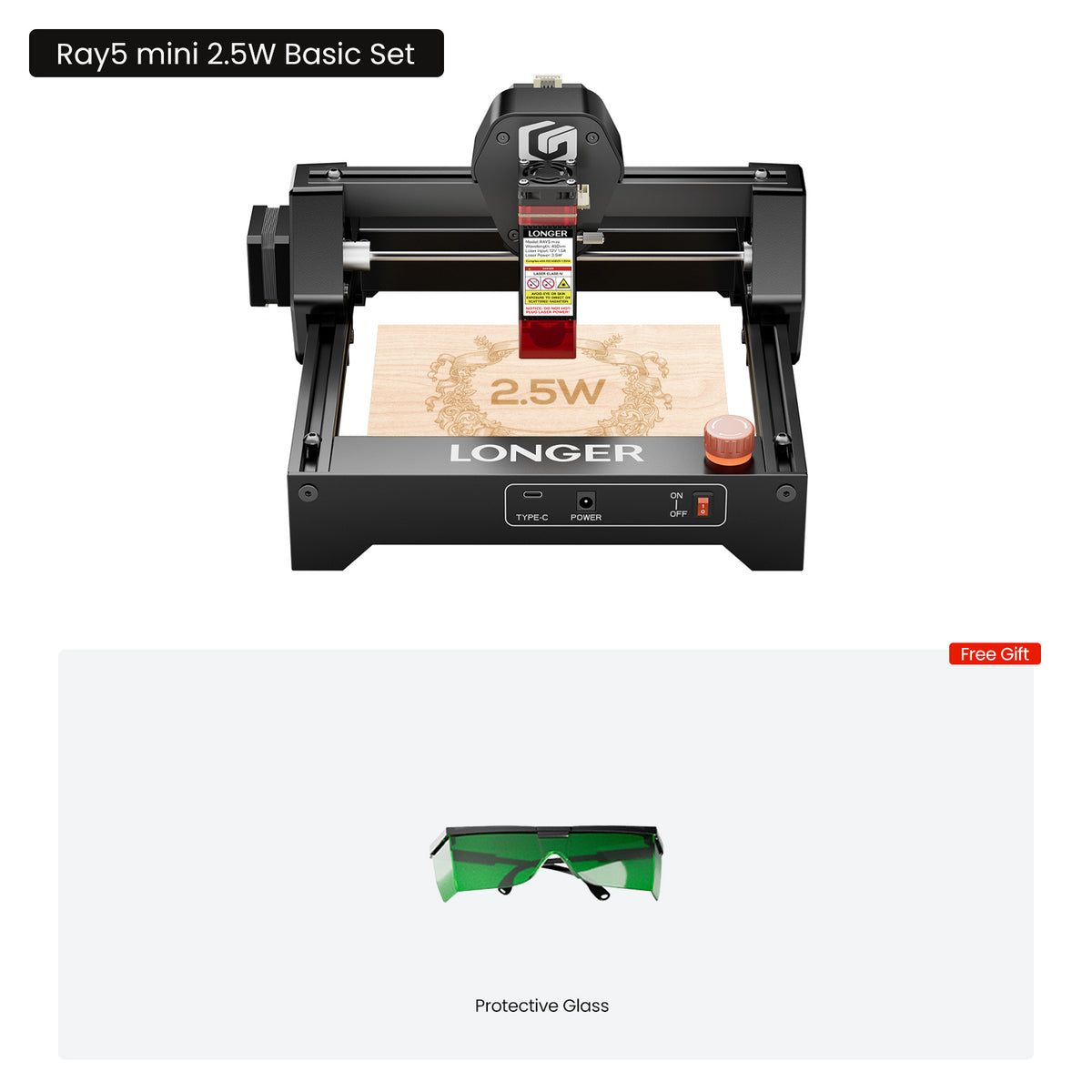
1. Longer Ray5 mini Laser Engraver
Product overview
The Ray5 mini is a compact way to learn laser engraving on smaller projects without allocating space for a large open-frame machine. The model family has different module and bundle choices, so the exact listing configuration matters.
Best for: New makers personalizing smaller items. Before buying: A smaller working area and kit-dependent accessories mean it may not suit large signs or demanding cutting jobs. Verify selected power, ventilation, software and eye protection before purchase.
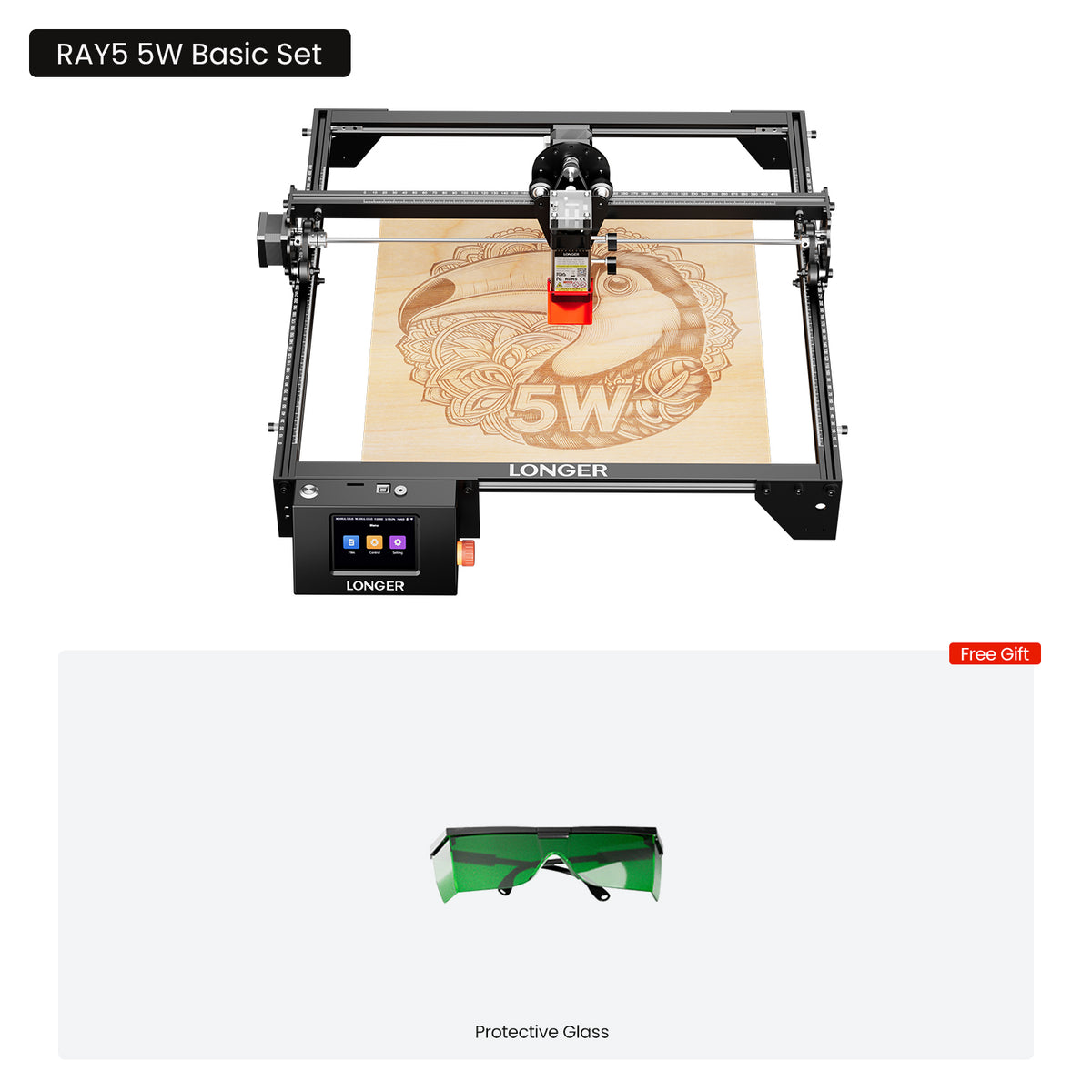
2. Longer Ray5 Laser Engraver 5W/10W/20W
Product overview
The Ray5 series is a flexible first workshop platform, with 5W, 10W and 20W diode configurations. LONGER lists a 400 × 400 mm working area for 5W and 10W, versus 400 × 365 mm for 20W. More optical power may help in supported cutting tasks, but it does not guarantee any result on every material.
Best for: Hobbyists who want a configurable laser platform and room to grow. Before buying: The 5W and 10W variants may require separately purchased limit switches. Check actual safety features, air assist and included accessories for the configuration selected.
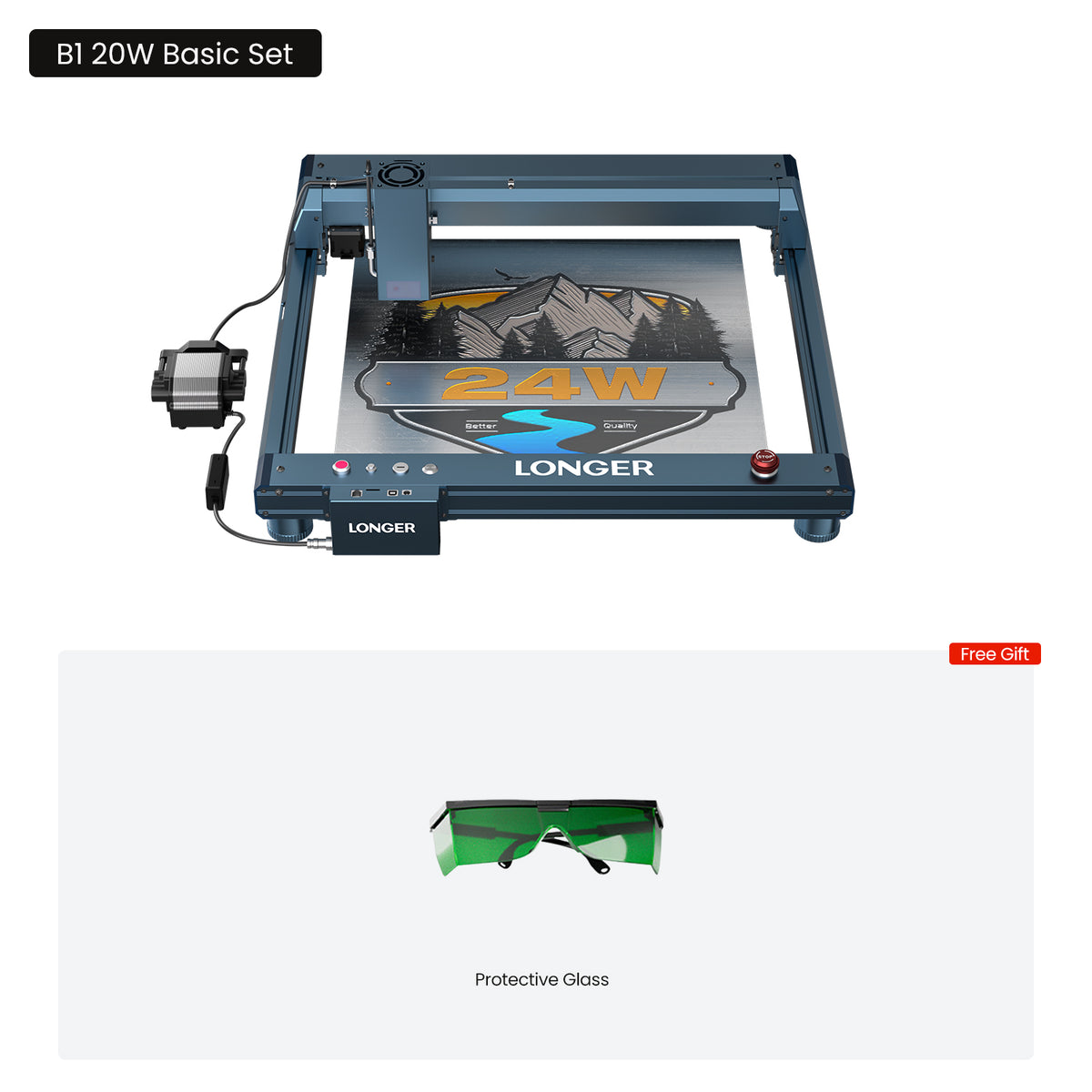
3. Longer B1 Laser Engraving Machine 20W/30W/40W
Product overview
The B1 line emphasizes larger-format engraving and more powerful cutting-oriented configurations. The 20W, 30W and 40W versions make the most sense when project scale and regular cutting needs justify the footprint, extraction and accessories of a larger machine.
Best for: Experienced makers and small workshops prioritizing workspace and cutting capacity. Before buying: Check optical output by variant, actual work area, cooling or air assist, enclosure and extraction requirements. An open laser frame should not be treated as safe to run unattended.
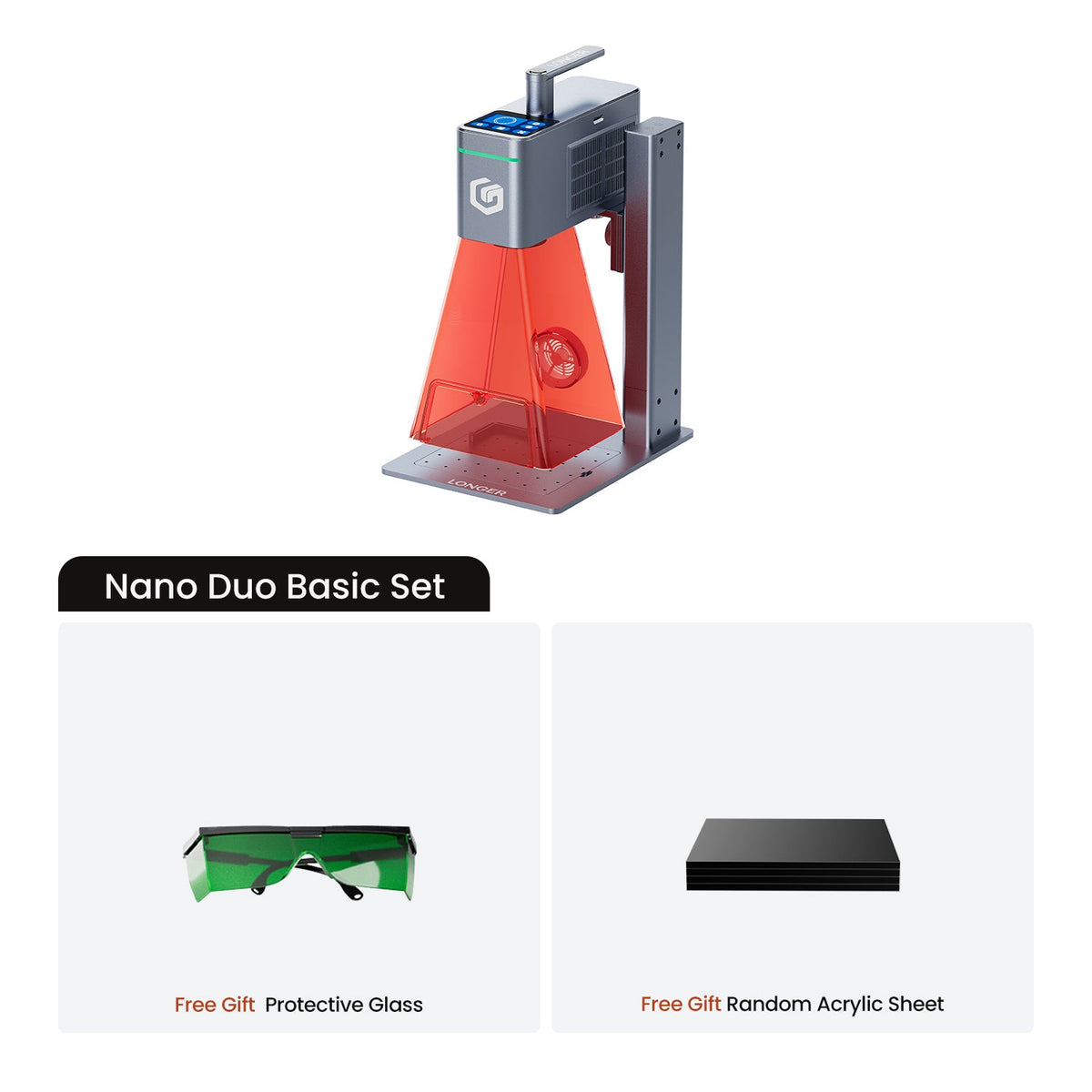
4. Longer Nano Duo AI Laser Engraver
Product overview
Nano Duo combines a 20W blue diode module and a 2W infrared laser according to LONGER. The dual-technology approach makes it worth considering for mixed small-format engraving tasks rather than for buyers who simply need the largest sheet size. The merchant describes automatic positioning and AI design aids, which we have not independently tested.
Best for: Small studios working across different compatible marking materials. Before buying: Confirm the native versus expanded working area, accessories, software requirements and suitable metals and coatings. A dual-module head does not replace a high-capacity cutter.
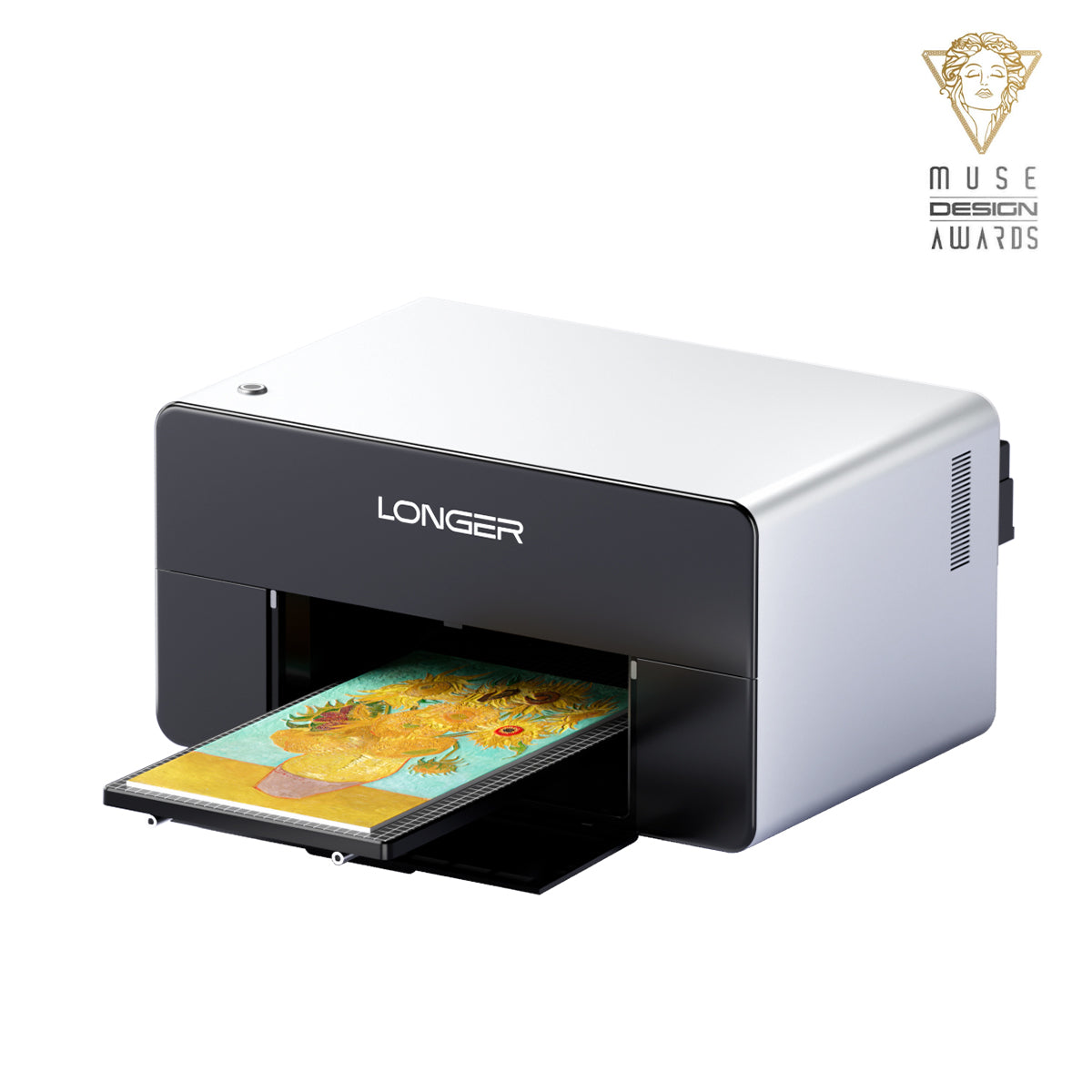
5. Longer ePrint Dual-head Desktop UV Printer
Product overview
The ePrint is a desktop UV ink printer, not a laser engraver. LONGER describes dual printheads, 12 ink channels and a 310 × 420 mm standard printing platform. It serves an entirely different workflow: applying designs to compatible surfaces and products rather than removing or cutting material.
Best for: Personalization businesses that need printed color graphics or textured UV effects. Before buying: Compare the specific print mode, printheads, included inks, fixtures and ongoing cleaning supplies. Consumables and maintenance can matter more than the machine-only price.
Buying Notes
Start with what you make. For small names, logos and gifts, compare the compact models first. For regular sheet-material processing, the larger B1 may be more practical. For full-color surface customization, ePrint uses an ink-based workflow and should be assessed separately from the laser range.
Measure your working space. A manufacturer's work area is not the total machine footprint. Account for framing, rotary fixtures, material handling, extraction and safe operator access. Within the Ray5 family, listed work area changes with the selected power variant.
Price the complete kit. Air assist, honeycomb platforms, enclosures, exhaust and rotary accessories may be optional. UV printing additionally creates ongoing ink and printhead maintenance costs. Verify software and operating-system support, too.
Prioritize safety. Plan ventilation and fire precautions, use model-appropriate protective equipment and follow laser-class requirements. Never process unknown plastics that could release dangerous fumes. Verify actual shipping, warranty and returns terms before paying.
Final Verdict
Start with Ray5 mini for a compact beginner setup. Choose a Ray5 configuration for flexible hobby engraving; move to B1 if larger projects and cutting are central. Nano Duo is appealing when both diode and infrared marking fit your work. ePrint is for UV color printing rather than laser engraving. Confirm the full accessory, safety and consumable budget.
FAQ
Which LONGER laser engraver is a good first machine?
Ray5 mini can suit compact projects, while a Ray5 5W/10W/20W provides a larger and configurable option. Consider workspace, budget, materials and essential safety equipment.
How are LONGER Ray5 and B1 different?
Ray5 focuses on an approachable multipower engraving platform; B1 emphasizes larger-frame and higher-power cutting-oriented options. The actual module and bundle determine capabilities.
What does the Nano Duo infrared laser add?
LONGER describes a 2W infrared module alongside its 20W blue diode module, making it relevant to some compatible metal-marking tasks. Verify material suitability and results before ordering.
How We Researched
How we researched: We compared the current LONGER product pages for Ray5 mini, Ray5, B1, Nano Duo and ePrint, together with the manufacturer's supporting specifications.