
What to Check
Verify the exact F4-425 Plus CPU and memory option
Budget for drives, usable capacity and an independent backup
Confirm network or USB requirements for your workflow
Product Review
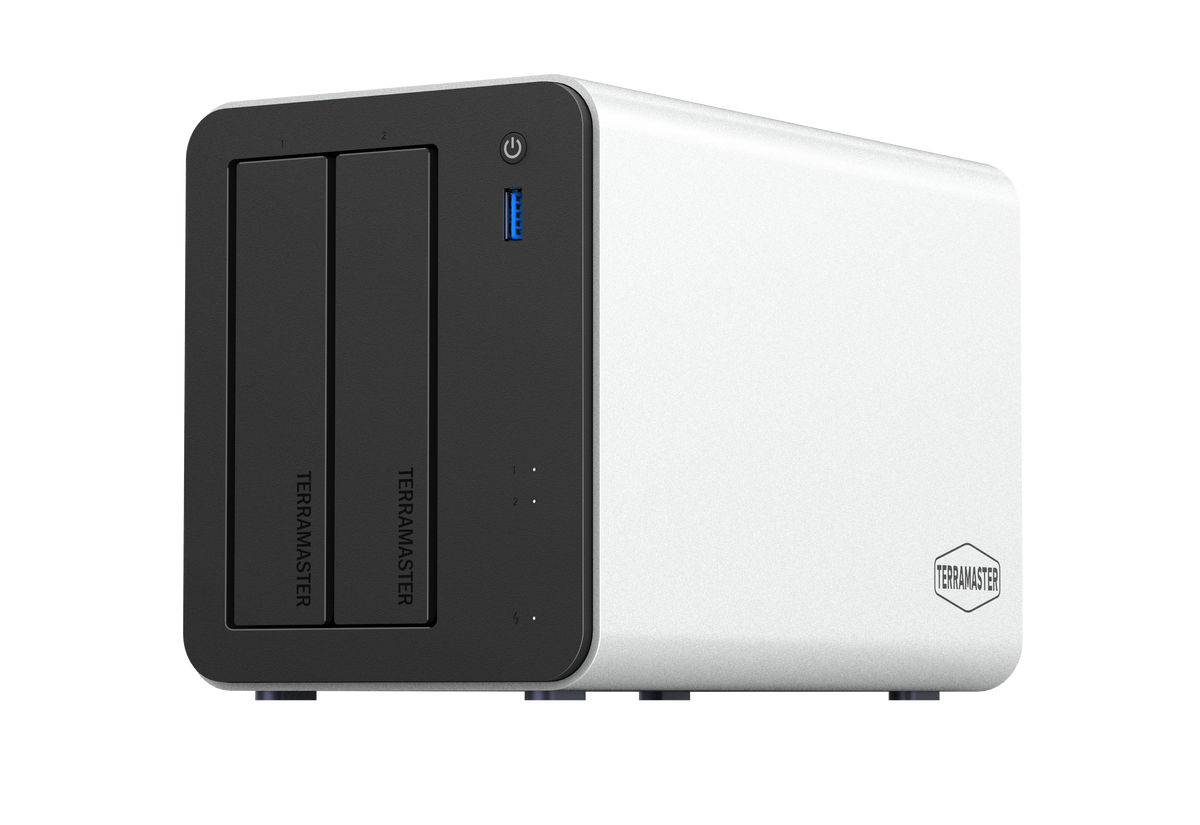
1. TerraMaster F2-425 Plus
Product overview
The F2-425 Plus is a two-bay network storage system. TerraMaster lists an Intel N150 quad-core processor, 8GB DDR5 memory, three M.2 2280 NVMe slots and two 5GbE Ethernet ports. That combination gives you room to consider SSD-based workflows and faster wired networking, but the headline port speed alone does not tell you what transfer speeds your computer, switch, drives and chosen configuration will deliver.
Two drive bays can be an advantage when you want a compact setup and a simpler initial drive purchase. The compromise is the limited number of drive positions. If you plan to use a mirrored disk arrangement, consider how that affects usable capacity and future upgrades before buying drives. TerraMaster's published maximum raw capacity is not the same as usable protected storage.
Buyer check: confirm drive compatibility, the disk layout you intend to use, the software features you need and whether your existing network can take advantage of 5GbE. This is a specifications-based assessment, not a hands-on performance test.
Best for: people who want shared files, household photo storage or a small-office NAS without committing to four hard-drive bays on day one.
2. TerraMaster F4-425 Plus
Product overview
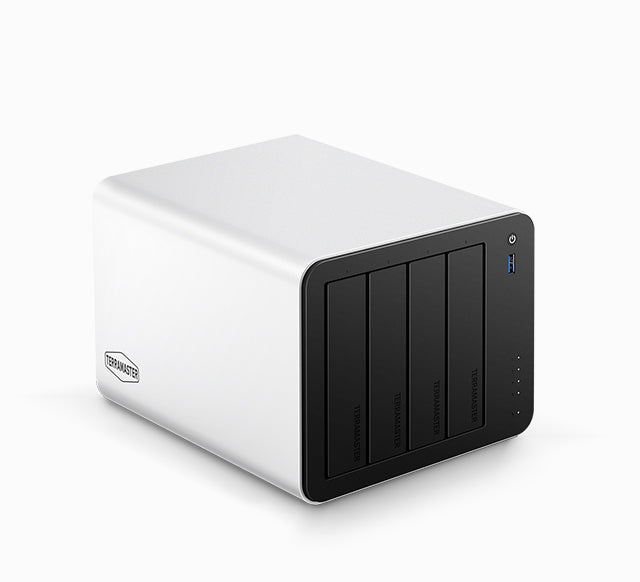
The F4-425 Plus adds four SATA drive bays while retaining the NAS approach: network access, shared folders and storage managed through TerraMaster's software. The product page lists dual 5GbE Ethernet ports and three M.2 NVMe slots. For the Intel N150 configuration, TerraMaster lists 16GB DDR5 memory; the same product page also presents an N95 option with different memory specifications. Choose and verify the exact processor and memory variant rather than assuming every F4-425 Plus ships with identical hardware.
Four bays provide more choices when planning capacity and disk redundancy. They also mean thinking about a larger initial drive budget, where the unit will live and what happens when a drive fails. RAID or redundancy can help with some disk failures, but it cannot undo accidental deletion, corruption or loss of the entire device.
Buyer check: verify the selected CPU variant, installed memory, drive compatibility, RAID configuration and expected usable capacity. Also check your network equipment and any application-specific requirements rather than treating advertised maximum transfer figures as guaranteed results.
Best for: households, creators or small teams that expect their shared storage needs to grow beyond a two-bay layout.
3. TerraMaster D4-320
Product overview
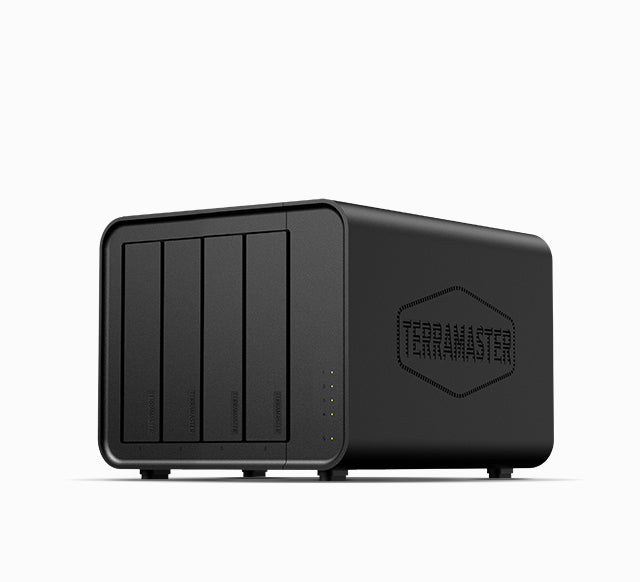
The D4-320 is a four-bay direct-attached enclosure. Its USB-C connection uses USB 3.2 Gen 2 with a stated interface capability of 10Gbps. TerraMaster lists support for 3.5-inch and 2.5-inch SATA hard drives as well as 2.5-inch SATA SSDs. Those specifications describe the connection and supported drive types, not a speed guarantee for every disk or host computer.
The critical buying distinction is that this model presents four individual disks and no built-in hardware RAID. It is not a NAS, does not replace a network file server and does not automatically pool drives into a protected volume. That simpler design may be exactly right if your storage stays beside a single workstation, but it is the wrong expectation if you need independently available files for multiple household devices.
Buyer check: make sure your computer's port, operating system, file system and backup software suit the setup. Plan how each disk will be used and protected; the enclosure alone is not a backup strategy.
Best for: desktop users who want several local hard drives connected to a computer for media libraries, archives or a backup workflow they manage themselves.
Buying Notes
Build the total cost around the actual drives you plan to install. Confirm the relevant compatibility list, whether drives are included in the offer, the precise CPU/RAM variant where applicable, and your backup destination. Compare model-specific specifications rather than relying on a single maximum-capacity or bandwidth figure.
Final Verdict
For shared access, choose a NAS; for storage attached to a single computer, choose DAS. Between TerraMaster's two NAS options here, the biggest practical difference is planning around two drive bays versus four.
FAQ
Is the TerraMaster D4-320 a NAS?
No. The D4-320 is a direct-attached USB storage enclosure that connects to a computer. It does not independently provide the network-server functions of a NAS.
Does the D4-320 have built-in RAID?
No. TerraMaster specifies four individual disks and no hardware RAID for the D4-320. Plan disk organization and backups accordingly.
Is the F4-425 Plus automatically faster than the F2-425 Plus?
Not automatically. They have different bay counts, and real transfer speeds depend on the selected hardware variant, drives, network, workload and configuration. The number of bays alone is not a performance benchmark.
How We Researched
How We Researched: This guide uses TerraMaster's published product listings and specifications for the F2-425 Plus, F4-425 Plus and D4-320. We compared storage type, drive bays, interfaces and disclosed configuration differences to explain their buying implications. We have not conducted hands-on performance, noise or long-term reliability tests, and we do not present manufacturer figures as independently measured results.
NAS vs DAS: Start With How You'll Access Files
If photos, work files or a shared media library need to be available to several devices without leaving a desktop computer running, start with NAS. A NAS has its own operating system and connects to a network. That flexibility comes with decisions about users, permissions, updates, remote access and backups.
If the main job is giving one computer more local storage over USB, DAS is often the cleaner fit. The D4-320 needs a host computer to access its disks; it is not an independent network service. Neither approach is universally faster or safer: performance and protection depend on the drives, connection, configuration and backup routine.
The Four Buying Decisions That Matter
- Number of drive bays: two bays can cover modest shared-storage needs, while four bays allow more room to plan capacity and redundancy. Compare usable storage after your chosen disk arrangement, not raw maximum capacity alone.
- Connection: 5GbE ports on a NAS are useful only when the rest of your network and devices can support the desired speeds. USB 10Gbps on a DAS describes the interface, not guaranteed real-world copy speed.
- Daily workflow: shared folders, remote access and services favor NAS. A storage enclosure parked beside an editing or backup computer favors DAS.
- Data protection: decide where a second independent copy will live. RAID is not a backup, and individual disks in a DAS are not automatically protected just because there are several of them.
Compare Options
These models suit different access patterns rather than forming a simple best-to-worst ranking.
| Model | Storage type | Drive bays | Best fit | Key check |
|---|---|---|---|---|
| F2-425 Plus | Network-attached storage | 2 SATA | Smaller shared-file setup | Two-bay capacity and disk layout |
| F4-425 Plus | Network-attached storage | 4 SATA | Growing shared storage | CPU/memory variant and usable capacity |
| D4-320 | Direct-attached USB storage | 4 SATA | Storage beside one computer | No built-in hardware RAID or independent network access |
Manufacturer-listed specifications are not independent speed, noise or reliability measurements.
What to Check Before Buying
First, price the complete setup, including compatible drives and, for a NAS, any networking changes you actually need. Next, confirm which operating-system and software features support your specific workflow. If you're buying an F4-425 Plus, confirm the exact N150 or N95 product option and memory configuration before checkout. If you're buying the D4-320, decide how you will use and back up its separate disks.
Finally, verify the merchant's current availability, regional warranty terms and return conditions at checkout. Those details can change and are not assumed here.
Final Verdict
Choose the F2-425 Plus when two bays are enough and your priority is shared storage over a network. Consider the F4-425 Plus when you need more room for drives and want a network-based setup. Choose the D4-320 when you mainly want local USB storage attached to a computer and do not need the enclosure to act as its own server.
Decide on access first, then usable capacity, drive compatibility and an independent backup. That order prevents paying for features you may never use—or buying a USB enclosure when what you really need is a NAS.