
What Stands Out
Osee covers distinct video workflows: compact camera-top monitoring, larger production displays, and hardware live-switching with HDMI or SDI options.
GoStream Deck, Duet and Duet 8 ISO differ in connectivity and isolated recording; their names should not be treated as interchangeable.
Certain production-monitor configurations offer a selectable battery-plate type, while G7 Pro advertises camera control only for compatible cameras.
What to Check
Confirm whether the camera sends a supported HDMI or SDI format, not merely whether the connector fits.
Check the active switching input count, recording media and current firmware/license for the selected GoStream model.
Verify battery-plate variant, included mount and camera-control support by exact model.
Resolve conflicting published T7 brightness figures and the site’s inconsistent refund windows before making a purchase decision.
Product Review
1. Osee Megamon 15
Product overview
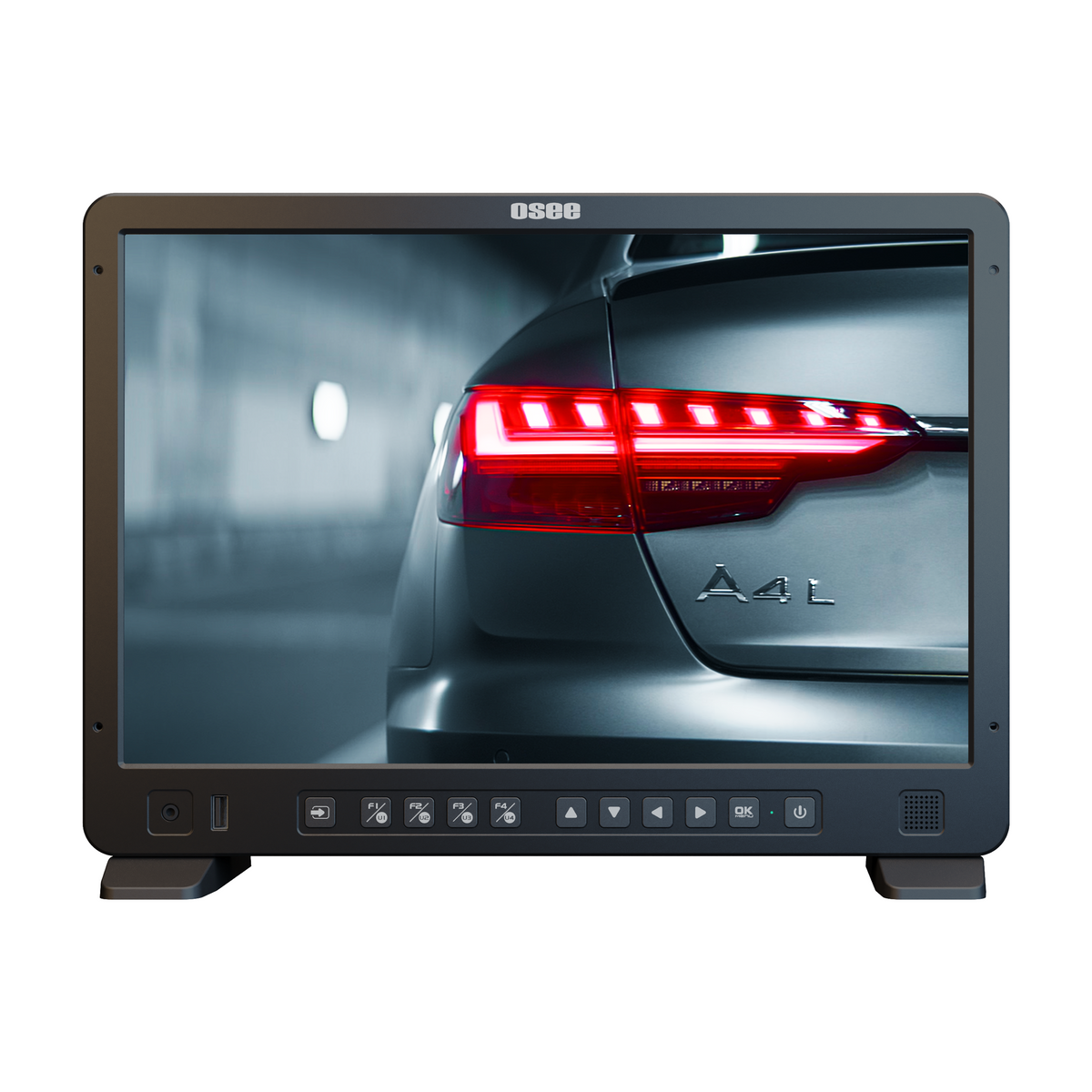
Megamon 15 is Osee’s director-oriented production monitor, positioned between a small camera-top screen and a larger workstation display. Its 15.4-inch panel, HDMI and 3G-SDI connections, and waveform, false-color and focus-assist tools make it a documented option for reviewing shots at a stand or on location. Osee rates the display at 1,000 nits and supplies a carrying case that can be used with a C-stand.
The purchase decision is partly about the kit rather than the screen alone. Osee lists separate V-mount and AB-mount battery-plate configurations, so confirm the selected plate and included mounting hardware before ordering. The brightness figure is a manufacturer specification, not a result from independent field testing.
2. Osee GoStream Deck
Product overview
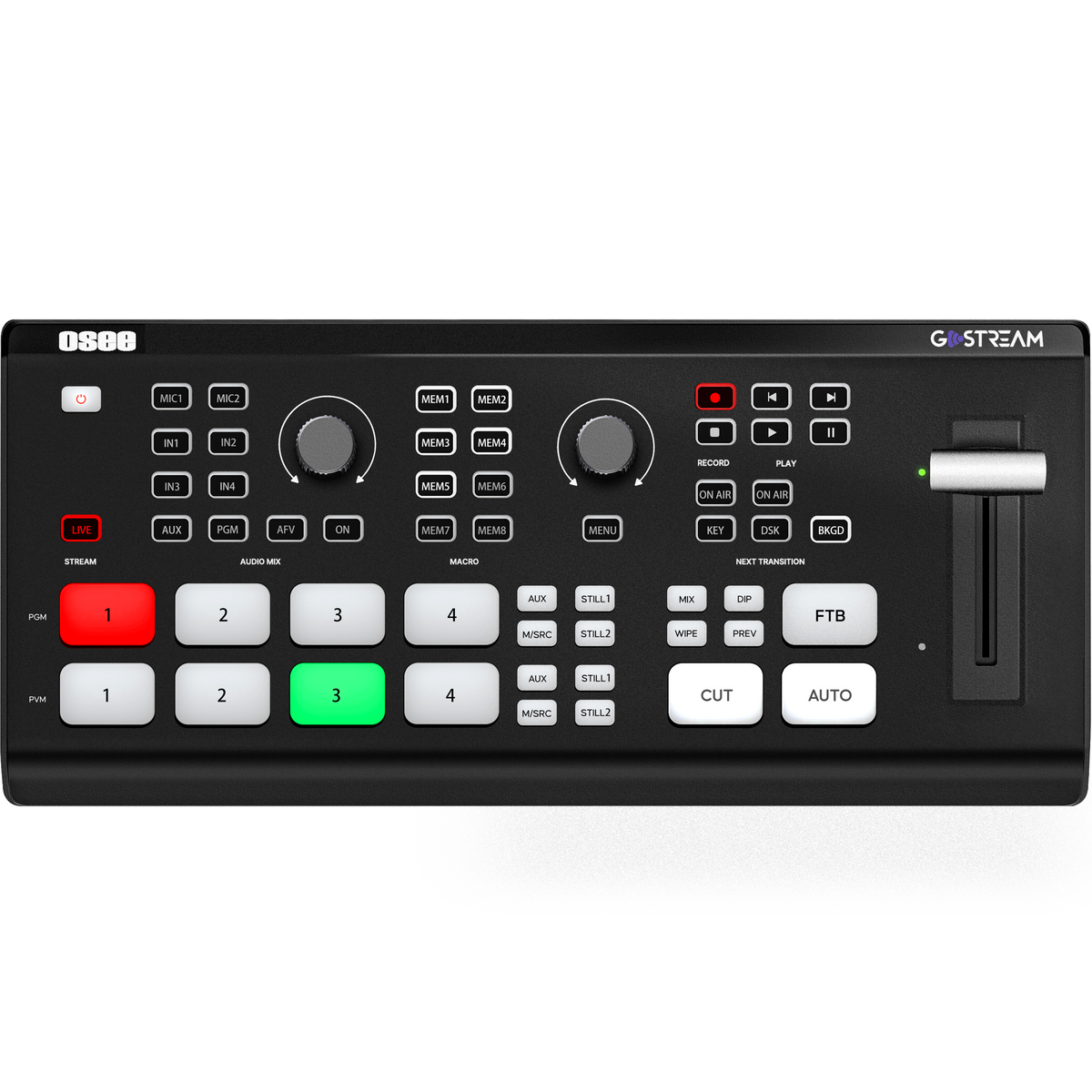
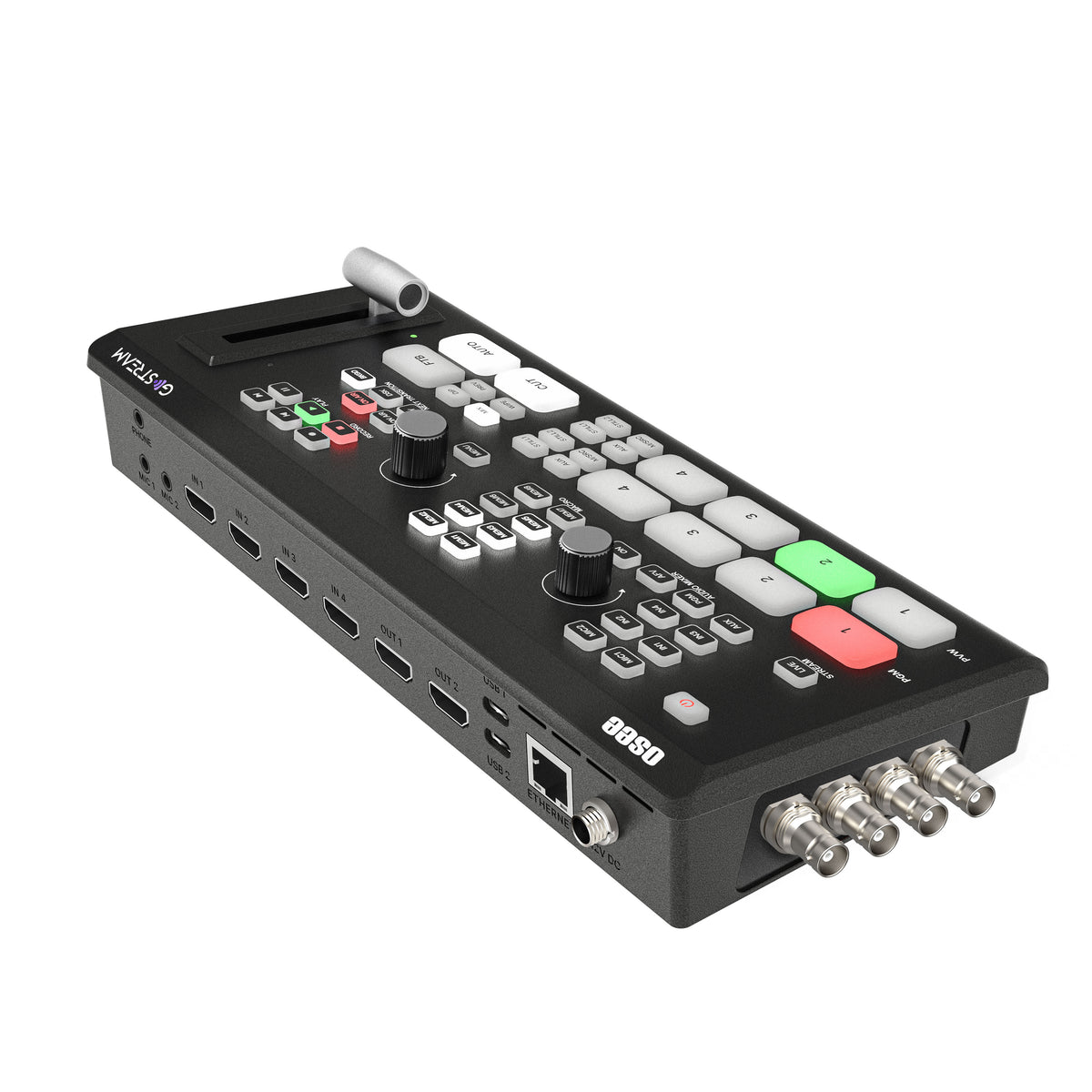
GoStream Deck brings camera switching, transitions, graphics and streaming controls into one physical console. Osee documents four HDMI inputs alongside an auxiliary source workflow, with picture-in-picture, lower-third and logo overlays plus macro buttons. That combination makes it relevant when a production needs several HDMI feeds and on-device control without building every scene in separate software.
Input count and feature licensing still matter. The extra AUX path should not be mistaken for another HDMI socket, and the merchant links NDI availability to firmware guidance. Confirm the exact signal formats, supported external drives and installed firmware against the cameras and recording workflow before purchase.
3. Osee Lilmon 5
Product overview
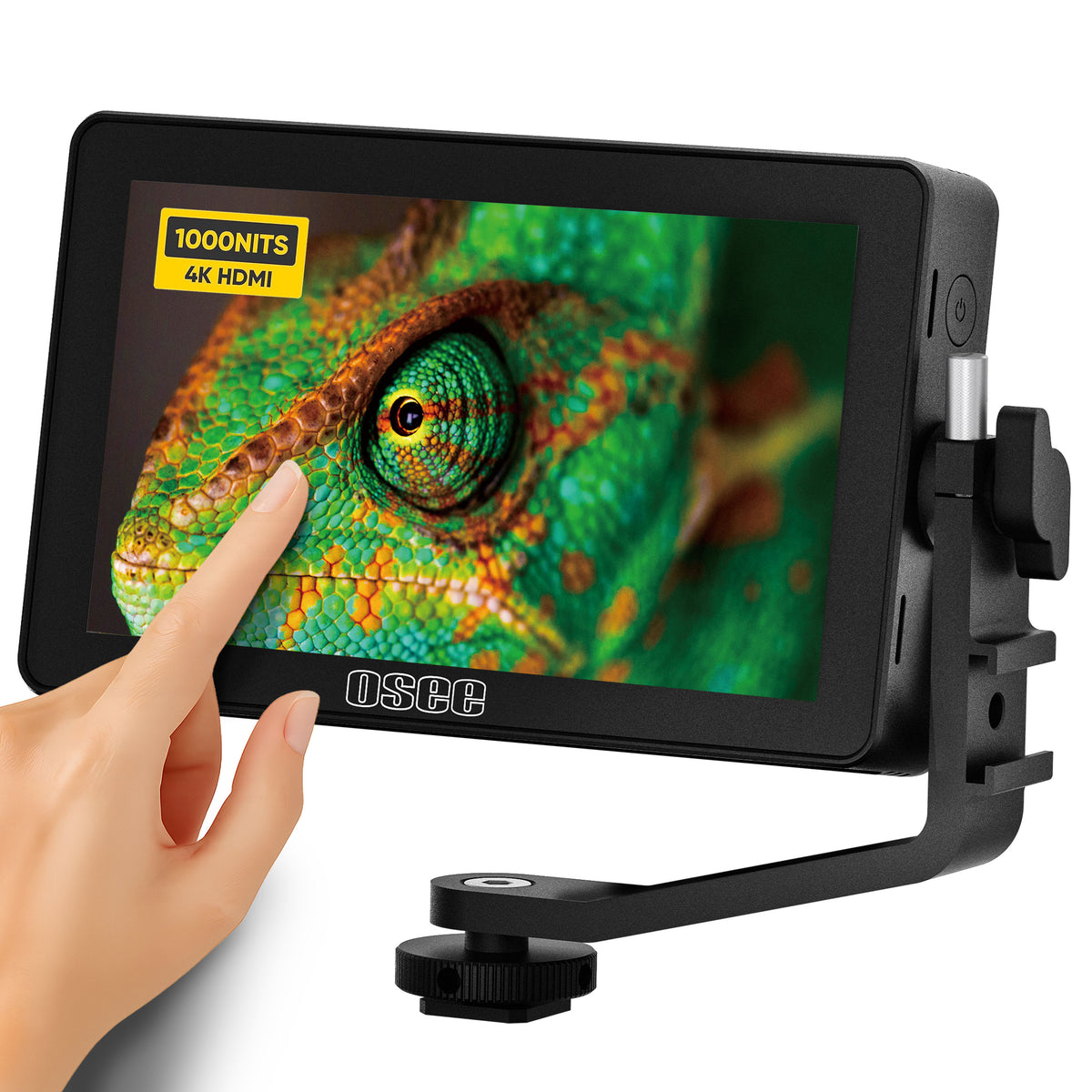
Osee lists Sony NP-F battery compatibility and specific SD-card requirements for LUT and firmware loading. Check camera HDMI output format, the mounting position and power accessories before ordering rather than assuming that accepting a 4K feed means displaying native 4K resolution.
4. Osee GoStream Duet 8 ISO
Product overview
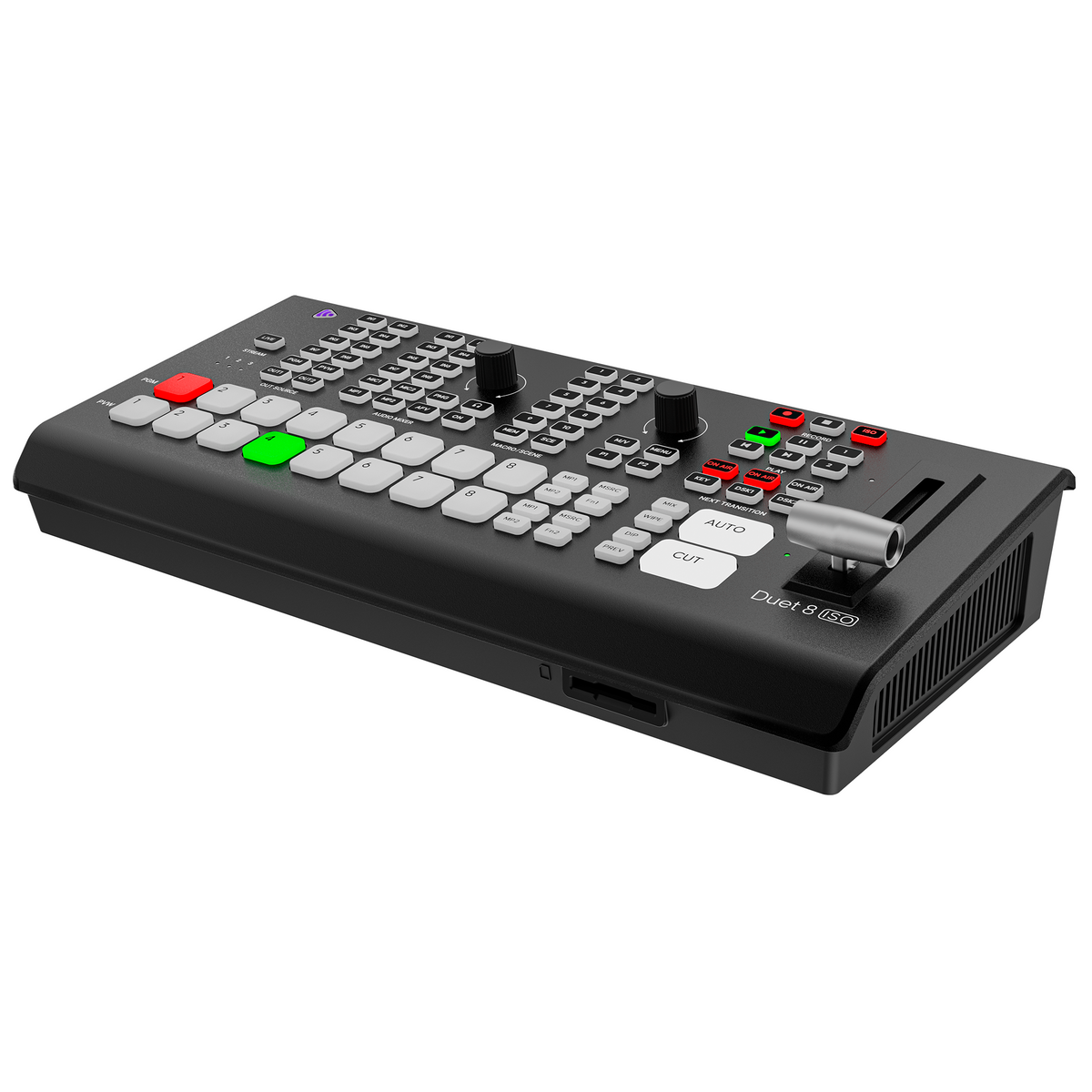
GoStream Duet 8 ISO addresses a different production requirement from the standard Deck or Duet: Osee describes eight HDMI/SDI hardware input paths and isolated recording of source feeds alongside the program output. That gives a documented route to retain camera-specific material for later editing while still switching a live show. The listed feature set also includes XLR audio connections, remote-source workflows and configurable multi-window layouts.
Those capabilities depend on the production’s media and signal setup. Confirm the accepted HDMI/SDI formats, recording-drive requirements, audio routing and current firmware in Osee’s documentation before committing to an ISO-based workflow; the listing alone does not establish performance with every drive or camera.
5. Osee GoStream Duet
Product overview
GoStream Duet builds on the Deck’s live-switching approach by offering a choice of SDI and HDMI camera connections. Osee documents physical switching controls, graphics, multi-source layouts and recording/playback to SD card or SSD. That matters when a multi-camera setup contains SDI cabling but does not yet require the larger Duet 8 ISO recording workflow.
The presence of both SDI and HDMI connector banks should not be interpreted as eight simultaneously independent switched inputs. Confirm the active source-count rules for the intended configuration. Osee also directs Duet owners to a firmware update for the included NDI license, making software version a practical pre-purchase check.
6. Osee T5+
Product overview
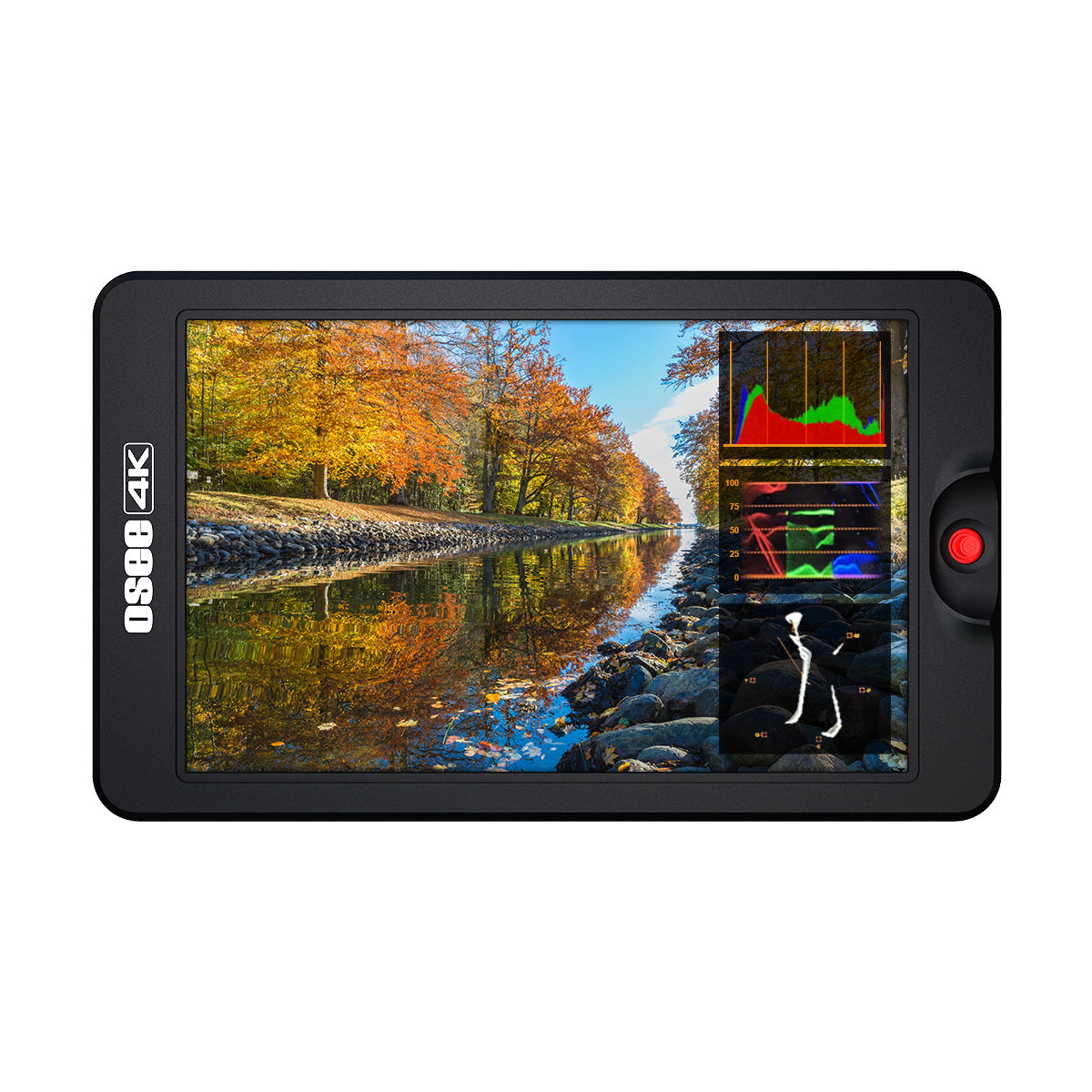
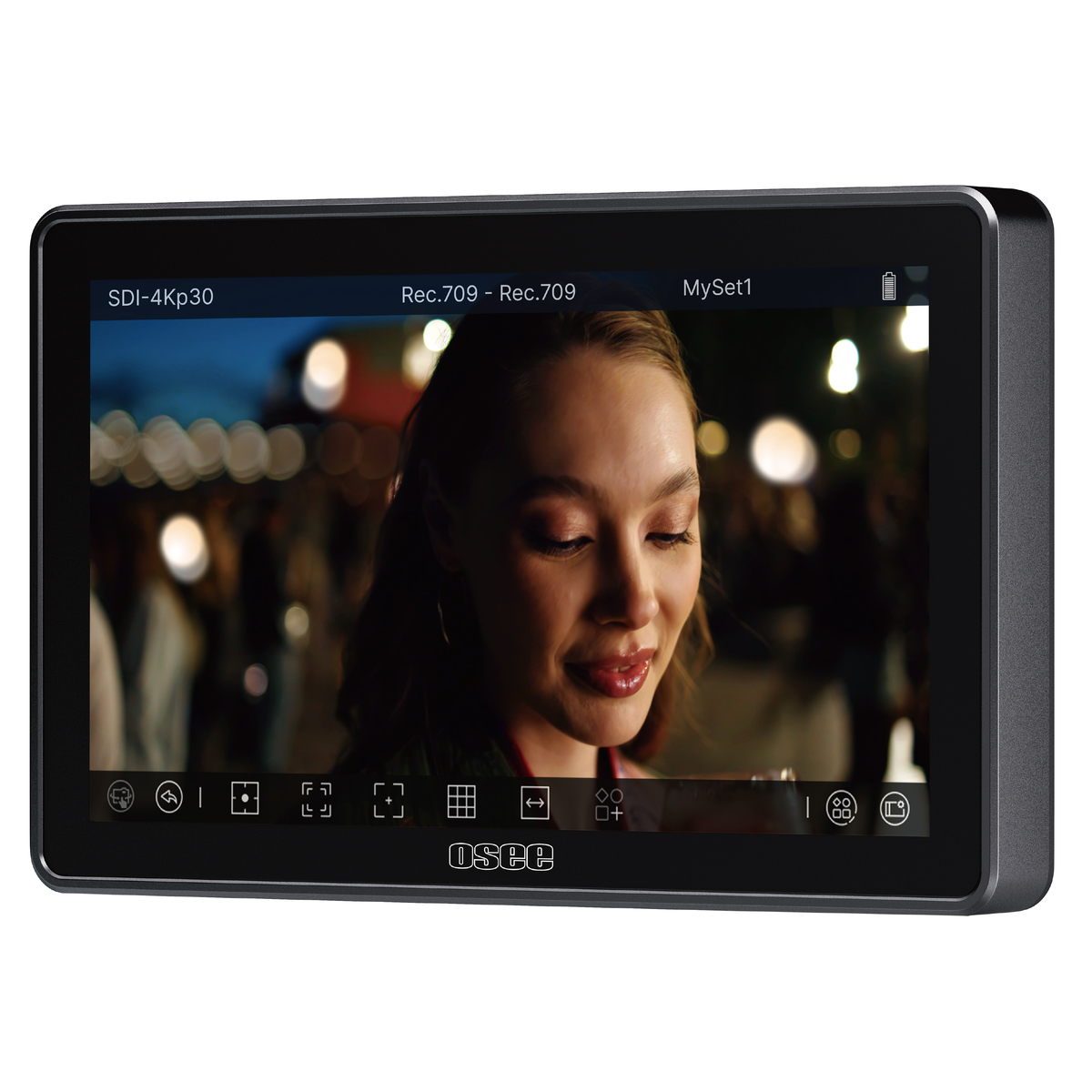
T5+ is the compact monitoring option in this selection for buyers who prioritize exposure and focus aids over touchscreen operation. Osee highlights eight MySets configurations, custom false-color controls, waveform tools and LUT support. Presets may reduce the need to rebuild a monitoring layout when moving between documented shooting setups.
Osee advertises 1,000-nit brightness in the product listing, but a customer review on that page reports a different figure in a manual; treat the current model revision and documentation as the deciding source. Check its controls, supported input formats, power connection and included cables for the specific camera rig.

7. Osee T7
Product overview
T7 expands the camera-top view to seven inches and adds a monitoring workflow built around waveform, focus peaking, false color and user-imported LUTs. Osee lists a 1920 × 1200 panel and selected HDMI 4K30 input formats, so the camera signal accepted by the device should not be confused with its native display resolution. The kit listing also describes mounting and DC power accessories.
The product title and the technical specification table publish different brightness numbers. Rather than assuming either is valid for the version currently sold, ask Osee to identify the exact T7 kit revision and confirmed brightness. That matters especially if the intended use depends on a particular luminance specification.
8. Osee Mega 22S4
Product overview
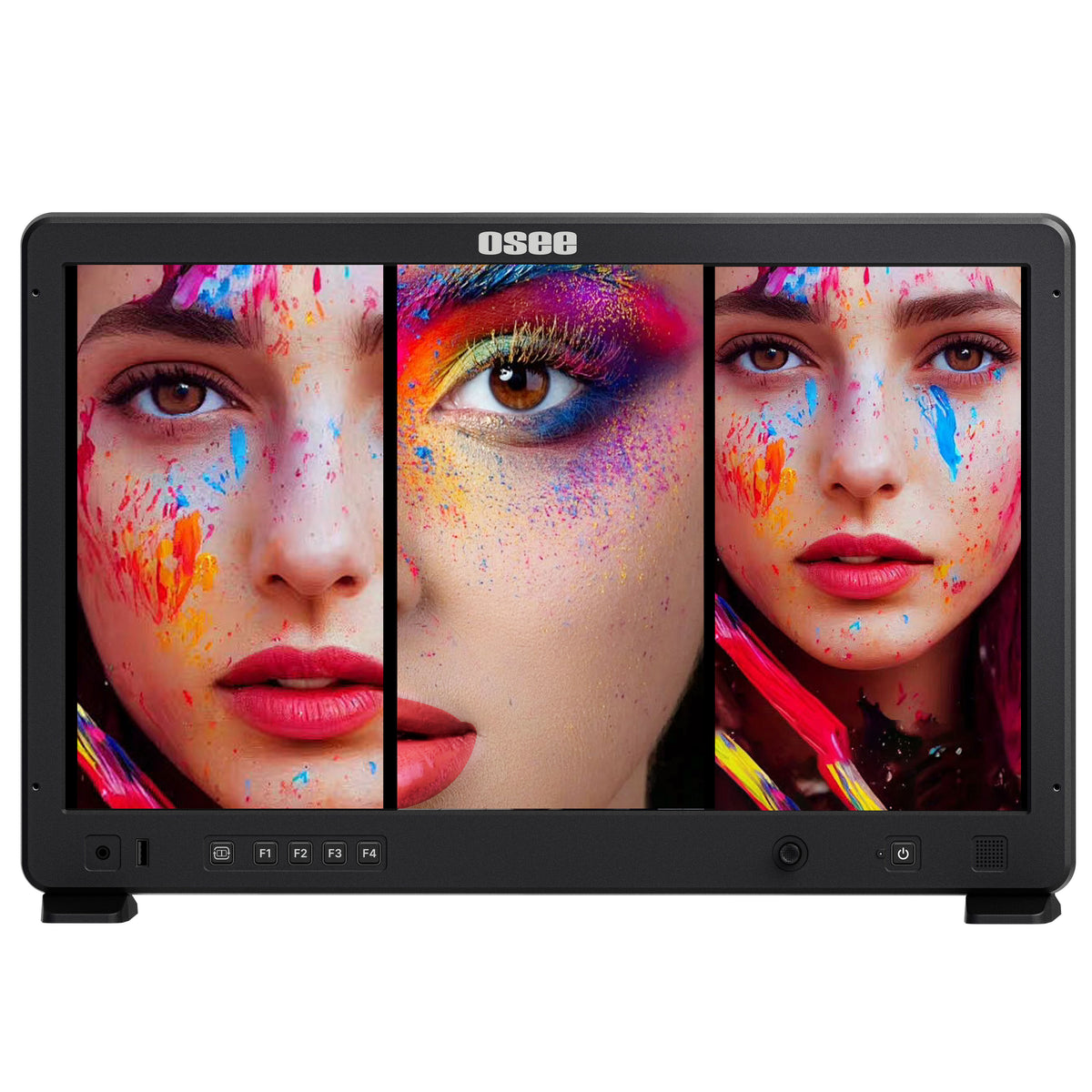
Mega 22S4 is designed around seeing multiple camera views on one production monitor. Osee documents landscape and portrait layouts, three HDMI inputs described as 4K60-capable and three 3G-SDI connectors. The large screen and multi-window features are especially relevant when the buyer needs to evaluate more than one live feed without repeatedly changing a single-source view. Osee also advertises 1,500-nit brightness and waveform-related tools.
Confirm the supported layouts, mixed-signal behavior and exact accessory bundle against the intended mounting position. The product name says 22S4 while Osee elsewhere identifies the panel class as 21.5 inches; choose the supplied dimensions and compatibility documents when planning a physical installation.
9. Osee Mega 15S
Product overview
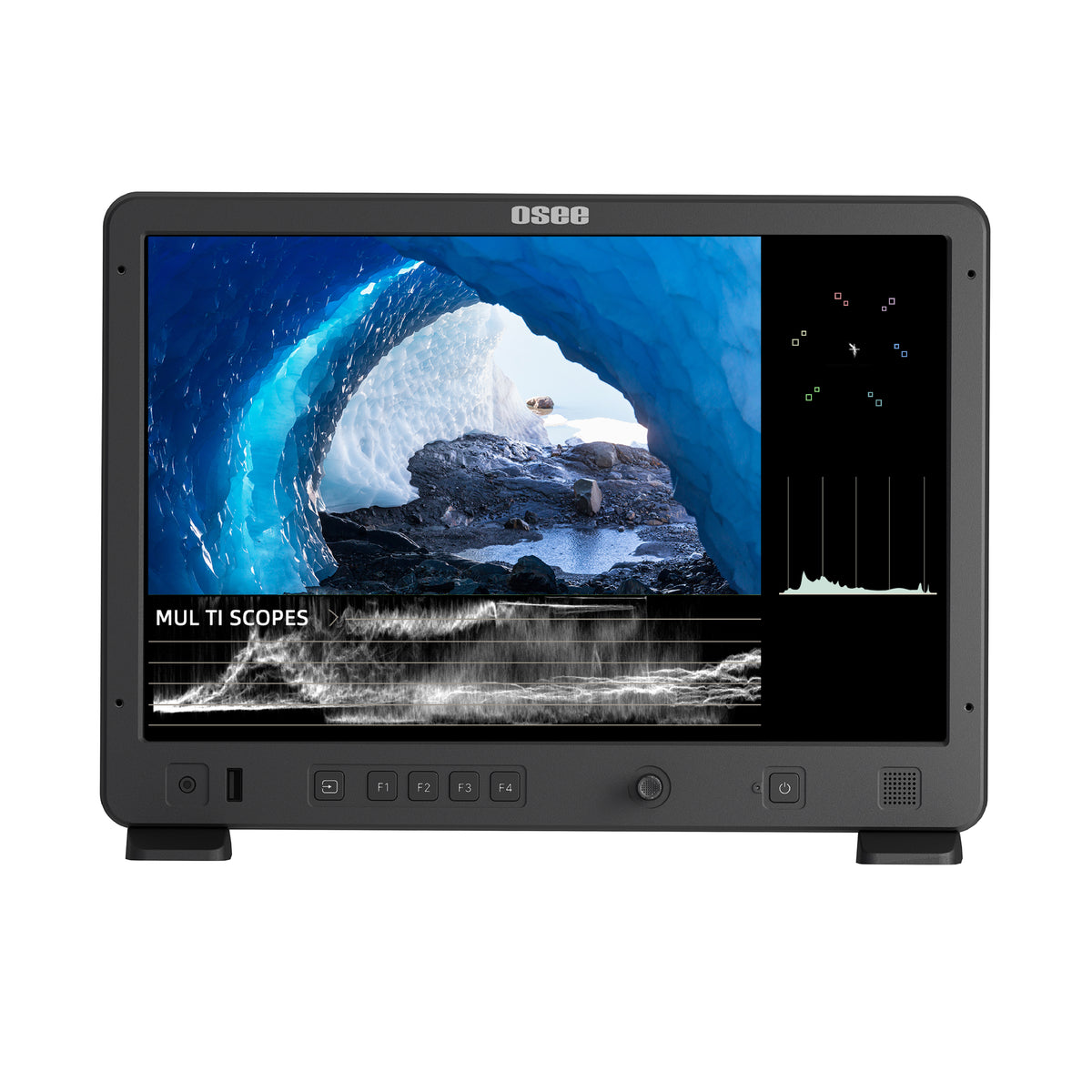
Mega 15S keeps a 15.4-inch production-monitor format while Osee lists a brighter 1,500-nit specification than its Megamon 15. Its HDMI and 3G-SDI interfaces, waveform tools and 3D LUT capabilities are documented for production monitoring; the brand also discusses onboard color-calibration functions in the product materials.
The brightness comparison is based on Osee’s published specifications, not independent measurements. Check the precise monitor version, battery-plate choice and available calibration workflow before buying. A V-mount or AB-mount selection in the cart can affect what the package contains, and supported accessories should not be assumed from another Osee model.
10. Osee G7 Pro
Product overview
G7 Pro adds a camera-control proposition to Osee’s seven-inch touchscreen monitoring range. The merchant advertises a 3,000-nit display, 3G-SDI and HDMI connectivity, and a control interface intended to work with supported cameras. This is a more specific purchase question than simply whether a monitor accepts a video feed: the control functions must match the camera model and connection method.
Osee maintains a supported-camera reference and lists a USB-C cable for power and camera control in the box. Consult the current compatibility table, firmware version and the exact functions available for the target camera before relying on remote control; compatibility with one camera does not establish support for another.
Buying Notes
Start with a signal map showing each camera output, resolution and frame rate, then compare it with Osee’s input/output table for the specific model. On GoStream hardware distinguish physical connectors from simultaneously active sources and confirm firmware-dependent NDI features. For Duet 8 ISO, verify supported recording media, file formats and audio routing before relying on isolated tracks.
For monitors, check mounting threads, power inputs, battery plate and the actual items included with the selected variant. Osee’s product page has differing brightness figures for T7, and its G7 Pro camera-control functionality is tied to a supported-model list. Product prices, availability and any sale banners can change; verify current checkout details rather than relying on a catalog snapshot.
The company also states that when US stock is unavailable, fulfillment may be switched to a China warehouse and import fees may apply.
These are merchant estimates and conditional rules, not a delivery guarantee; check the order route and checkout charges.
Both direct customers to request authorization before returning and indicate that customers prepay return shipping.
Obtain the current written policy applicable to your order before buying; software/license-key products are separately excluded from refunds on one policy page.
The published process calls for a serial number, proof of purchase and defect documentation.
Do not assume that the same warranty duration or terms cover GoStream switchers, accessories or software; confirm the relevant product’s written coverage before checkout.
Final Verdict
Osee’s range makes more sense when separated by workflow. For camera-top monitoring, Lilmon 5 offers touchscreen operation, T5+ emphasizes configurable monitoring tools, T7 adds a seven-inch view, and G7 Pro is the specific option to investigate when compatible camera control is needed. For production viewing, Megamon 15 and Mega 15S differ in advertised brightness and kit configuration, while Mega 22S4 adds multi-view layouts.
For live switching, GoStream Deck covers HDMI-focused operation, Duet adds SDI connection choices, and Duet 8 ISO is the listed choice for isolated source recording. None should be purchased on a product-family name alone: the decisive checks are active inputs, signal formats, recording media, firmware, package variant and the written order terms. These conclusions describe Osee’s documentation, not tested reliability or video quality.
FAQ
Does 4K HDMI input mean a 4K monitor panel?
No. For example, Osee lists Lilmon 5 with a 1920 × 1080 panel while accepting specified 4K HDMI input formats. Panel resolution and accepted source signal are separate specifications.
Do all GoStream models record separate camera files?
No such blanket claim is supported. Duet 8 ISO specifically advertises isolated source recording. Check the recording specification of the exact Deck or Duet configuration if separate source files are essential.
Can G7 Pro control every camera it can display?
No universal compatibility is documented. Osee provides a supported-camera list, and video display compatibility alone does not establish remote camera-control support.
How We Researched
We reviewed Osee’s official catalog, individual product listings, technical tables, supported-camera and firmware references, and published shipping, return and warranty pages. Selection prioritizes identifiable core hardware across monitoring and live-switching categories; the Best Selling Products collection is a merchandising signal, not independent sales verification. No devices were purchased or tested, and uncertain or conflicting merchant information is identified rather than resolved by assumption.