
Before You Buy from PXNgamer
Before ordering from PXNgamer, compare the exact product or variant you plan to buy. Dimensions, materials, configurations and included items can differ between models. Prices, availability and promotions can change, so check the current product page, shipping terms and return conditions before checkout.
Coupons & Deals
View All Offers PXNgamer
3% OFF at PXNgamer
Subscribe now and get 3% OFF your first purchase!
PXNgamerFree Shipping at PXNgamer
Free shipping on all orders.
How to Save
- Use GET DEAL for automatic or merchant-side promotions, then confirm the savings in cart.
- Some tracked promotions are limited to new customers; check eligibility before checkout.
- Some tracked promotions require account or email signup; verify that requirement on the merchant site.
- Confirm the final price, shipping, exclusions and return terms on the merchant checkout page before paying.
Popular Products
 PXN VD6 Bundle + PD HM Clutch (3-Pedal Edition)Clothing accessories
 PXN VD4 Bundle + PD HM Clutch (3-Pedal Edition)Clothing accessories
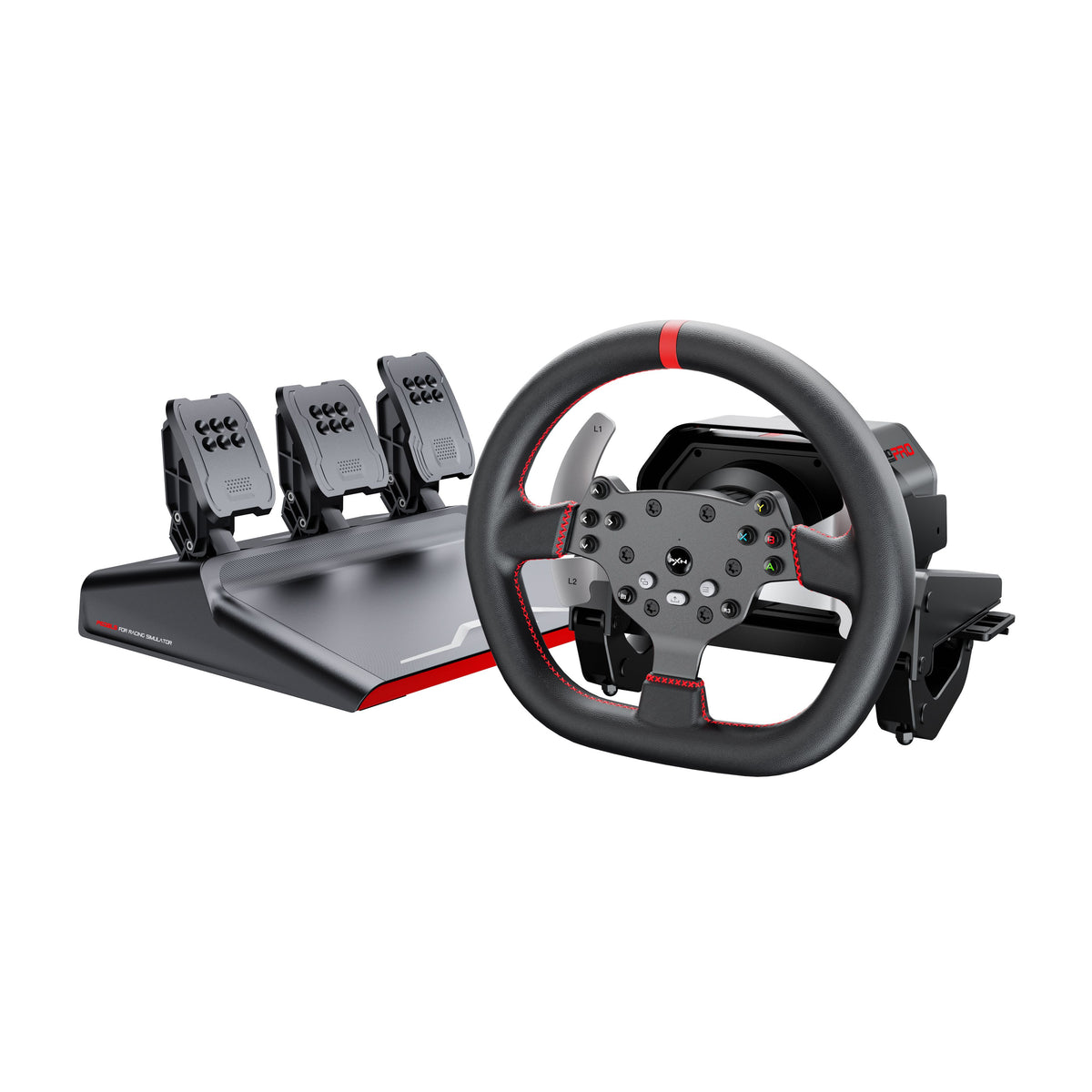 PXN V10 Pro BundleGaming and esports
 PXN GT ONE + VD6 BundleGaming and esports
 PXN V900 Gen2 BundleGaming and esports
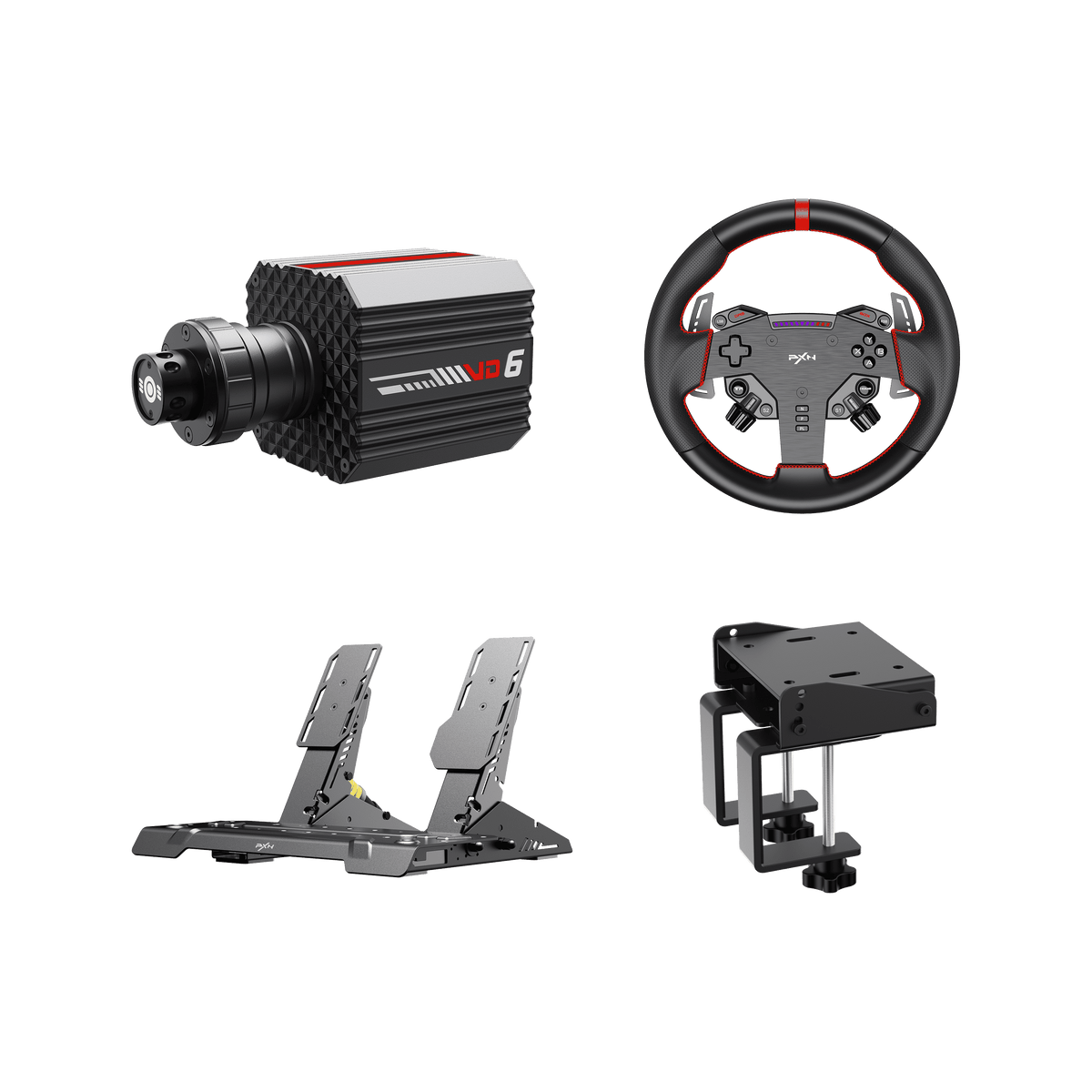 PXN VD6 BundleGaming and esports
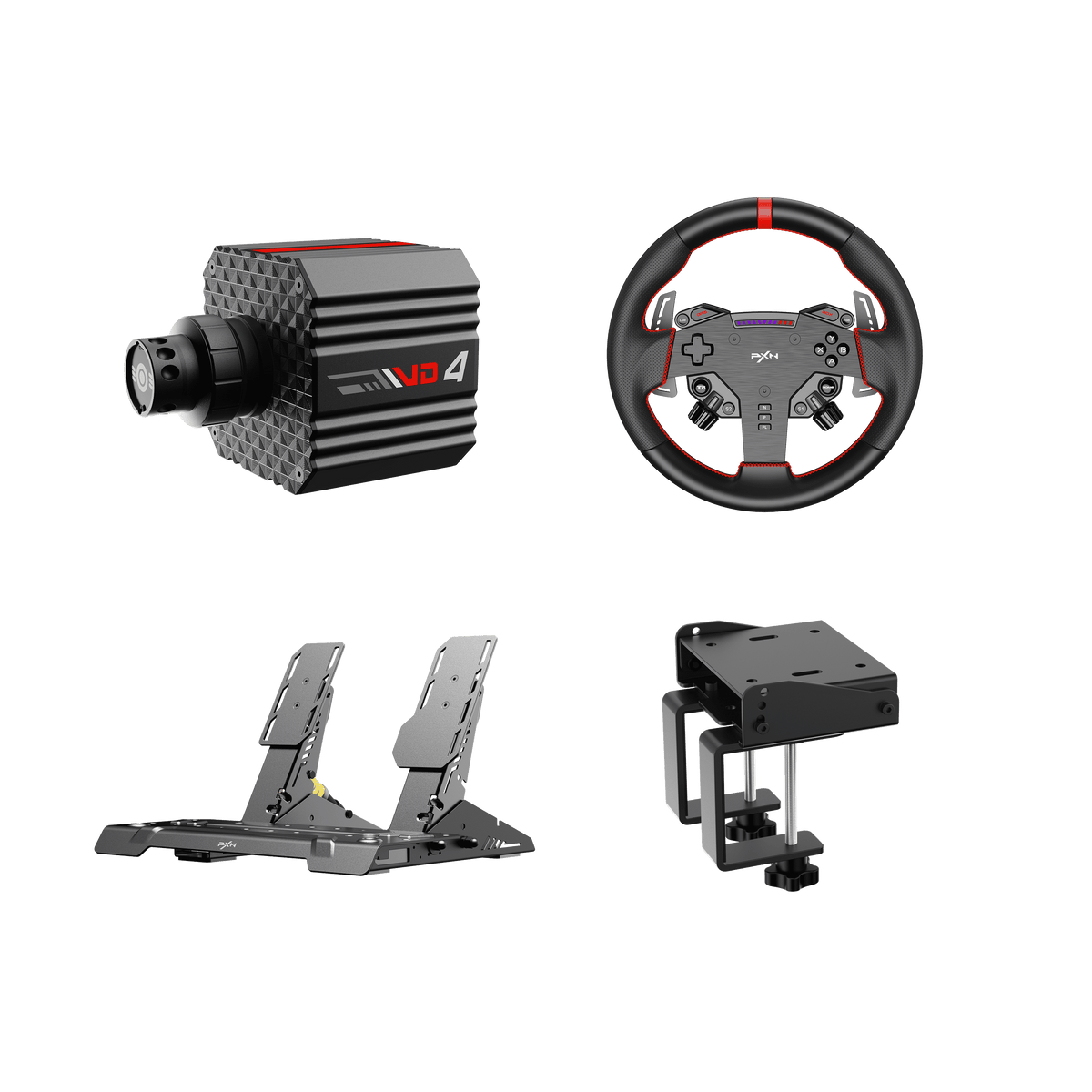 PXN VD4 BundleGaming and esports
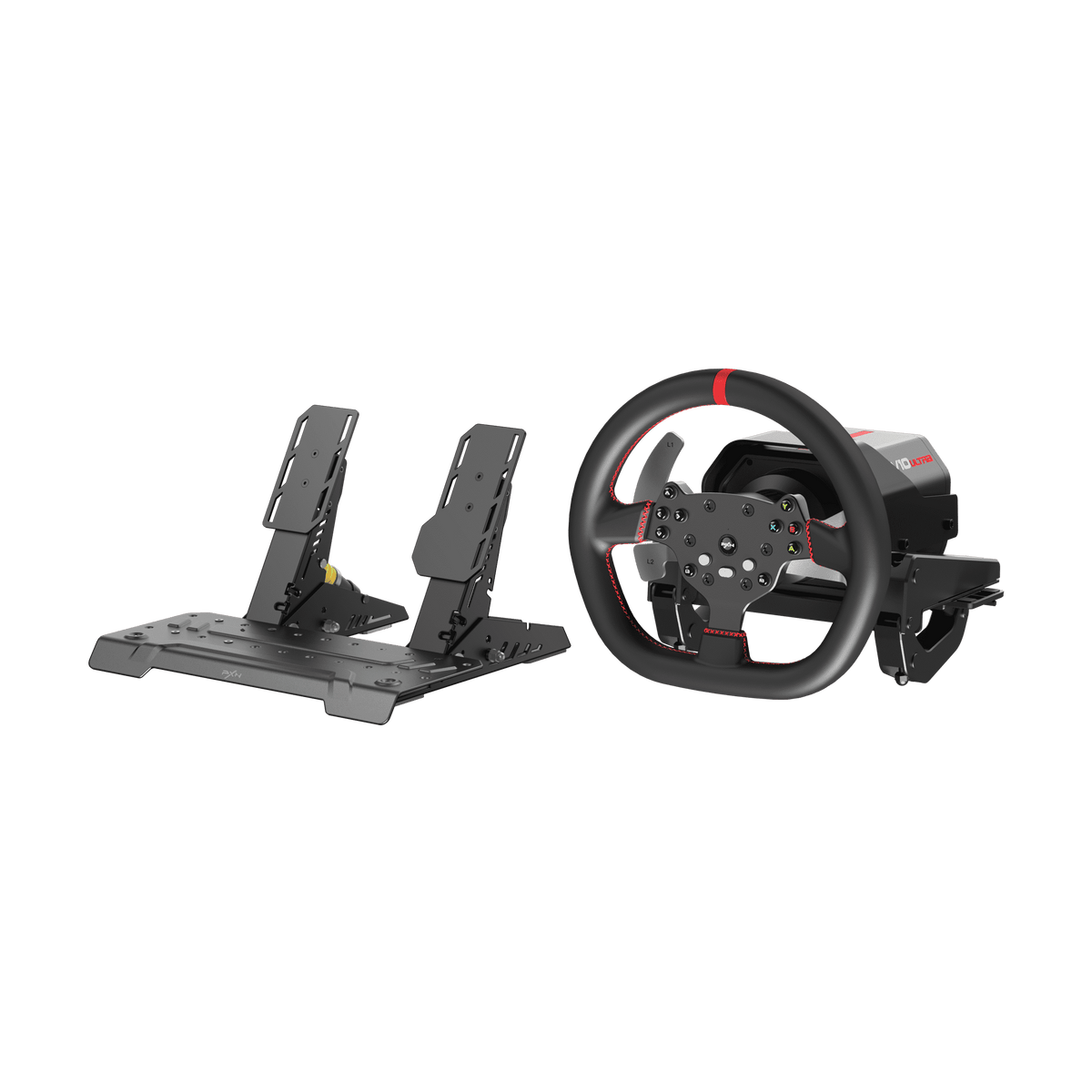 PXN V10 Ultra BundleGaming and esports
Related Reviews & Blog
FAQ
Are the PXN V10 Ultra and V10 Pro wheel bases the same in performance?
+ Yes. The PXN V10 Ultra and V10 Pro use the same 3.2Nm direct drive motor system, providing the same core force feedback performance and steering experience.
How to reset the PXN V10 Pro steering wheel?
+ To quickly reset the PXN V10 Pro steering wheel, press and hold [L3 + Y] simultaneously for 5 seconds. The steering wheel will restore its default settings after the reset process is completed.
How do I calibrate the PXN V10 Pro steering wheel?
+ If the PXN V10 Pro steering wheel cannot be calibrated properly, follow these steps: 1. Open the PXN NEXUS app and connect your V10 Pro.